

Visual Studio Code
It's a free, open-source code editor developed by Microsoft and is available for Windows, macOS and Linux. It comes with built-in support for JavaScript, TypeScript and Node.js and has a rich ecosystem of extensions for other programming languages and runtimes (such as .NET and Unity).
Advantages:
- Develop on the same operating system that you deploy, or use larger, faster, or more specialized hardware than your local machine.
- Quickly switch between separate development environments to apply updates without worrying about impacting your local computer. With easy-to-create and consistent development containers, it helps new team members / contributors become more productive in less time.
- No source code needs to be on your local machine to gain these benefits since Remote Development runs commands and extensions directly on the remote machine.
Application scenarios:
- When encountering very tedious installation and development environment configuration, you need to configure various tools and plug-ins by yourself. The template of VSCRD's remote working area can be easily handled.
- The local machine configuration is low, and some developments with high computing requirements cannot be carried out. In VSCRD, you can directly operate the remote file system and use remote computing resources to complete related development requirements.
Jet Brains Remote development
This is a thin client you see after you launch JetBrains Gateway and establish a connection to a remote server. It gets connected to the IDE backend and gives you the ability to do remote development as if it is local.
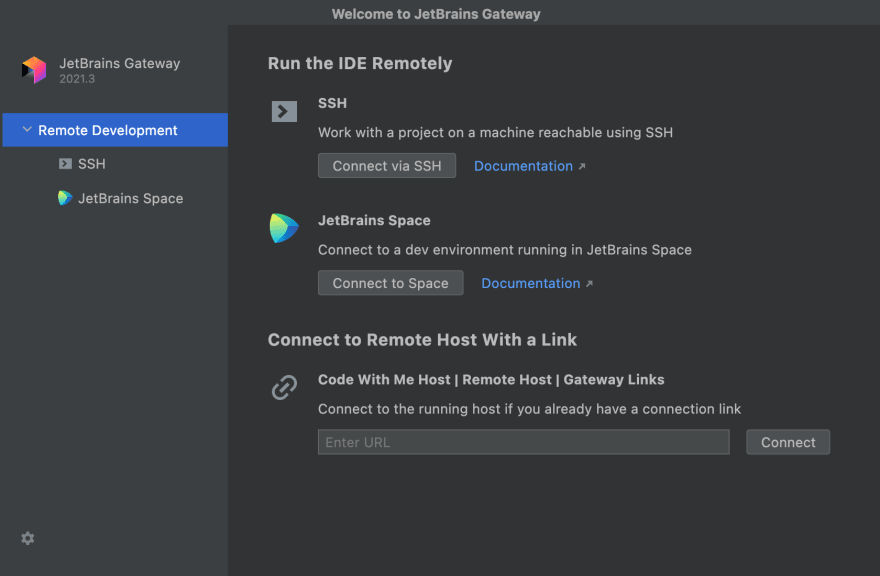
In contrast to remote-desktop solutions, JetBrains Client has an advanced editor based on the JetBrains Rider’s RD protocol, which makes typing feel instant. Additionally, the advanced code intelligence implemented on the IntelliJ IDEA server is presented in a way that looks as if it’s running locally.
JetBrains Client is based on the IntelliJ IDEA platform, therefore it imports any local IDE settings found on the local machine (Client). For example, if there is the IntelliJ IDEA 2021.3 version installed on Client, the downloaded and just launched JetBrains Client will import its settings, so the remote development experience will be personalized for you.
Pylon
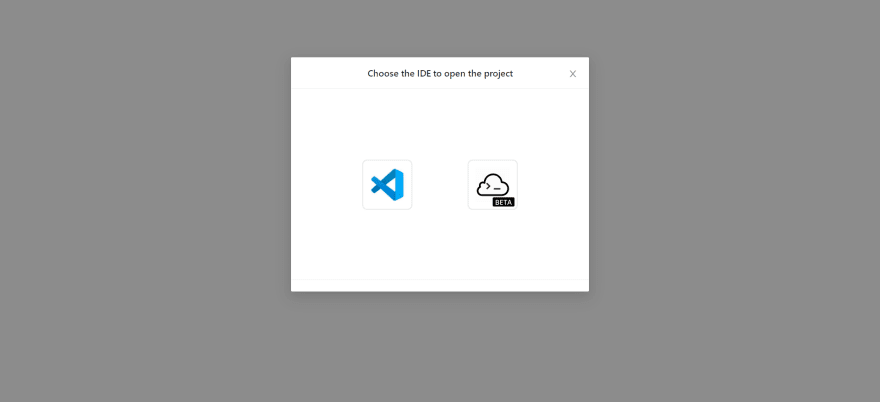
Pylon is a product in the TeamCode cloud development tool chain that can quickly and automatically build scalable cloud development environments. It can set up a development environment from a Git repository URL in seconds and provide a standardized development environment. It supports mainstream IDEs and browsers, client IDE access, and can connect with TeamCode Cloud-IDE seamlessly. It supports multiple languages, including Java, Python, Go, Typescript, etc.
Advantages
- Automatically manage the cloud dev environment which can reduce the cost of R&D.
- All development data are stored in the cloud to enhance data security.
- Manage the development process in the cloud, improve data transparency and management efficiency.
 Application Scenario
 - Develop the project with your team quickly.
- Start the project quickly with Pylon;
- Open the project using Cloud-IDE;
-
Start coding
-
Efficient remote collaborative development
-
Join the team organization;
-
Select projects that need collaboration;
-
Use Cloud-IDE or local IDE to open the project;
-
Start coding.
Docker Dev Environment
Docker Dev Environment facilitates collaboration by allowing you to share code in progress with team members. When using a development environment, you can easily set up a repeatable development environment by keeping the environment version along with your code. You can also share your code in progress with your team members with one click without having to deal with merge conflicts, as you move between Git branches to upload your code to your computer.
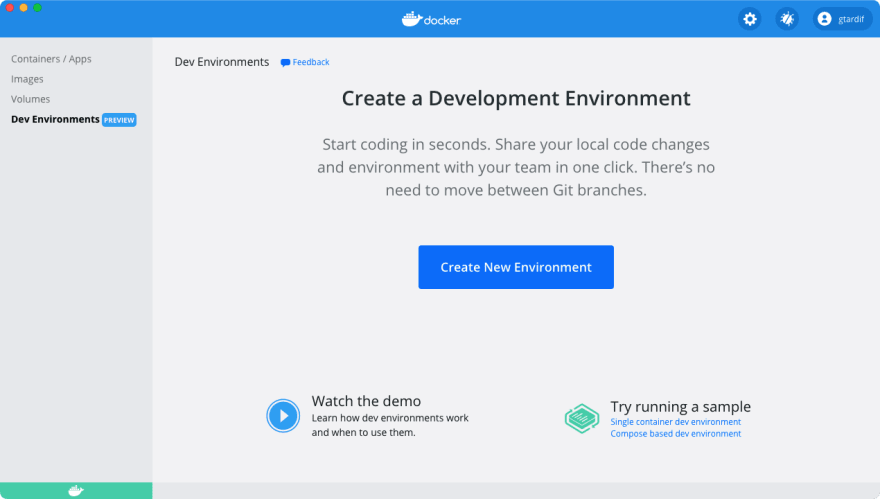
It supports creating a development environment from:
1 Git repository URL
2 Local files
3 Docker images